



Design Services
At Social Imprints, we understand that designing for merchandise isn’t the same as designing for print or web — it’s a specialized craft. Our experienced creative team brings strategic thinking, trend awareness, and real-world application to every project. Whether you need a single design or a full-scale campaign, we’re here to elevate your brand with high-impact visuals that align with your mission.
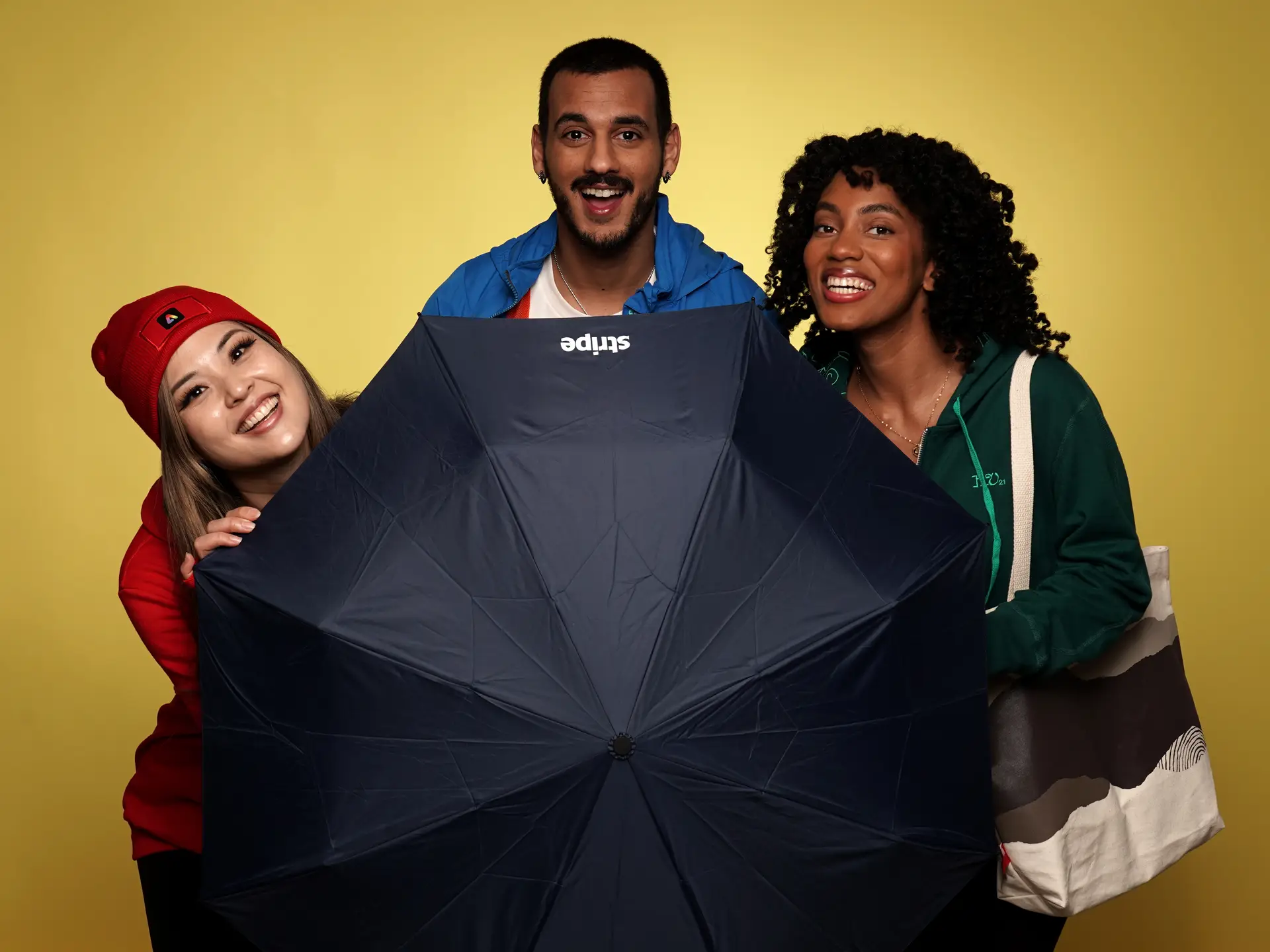
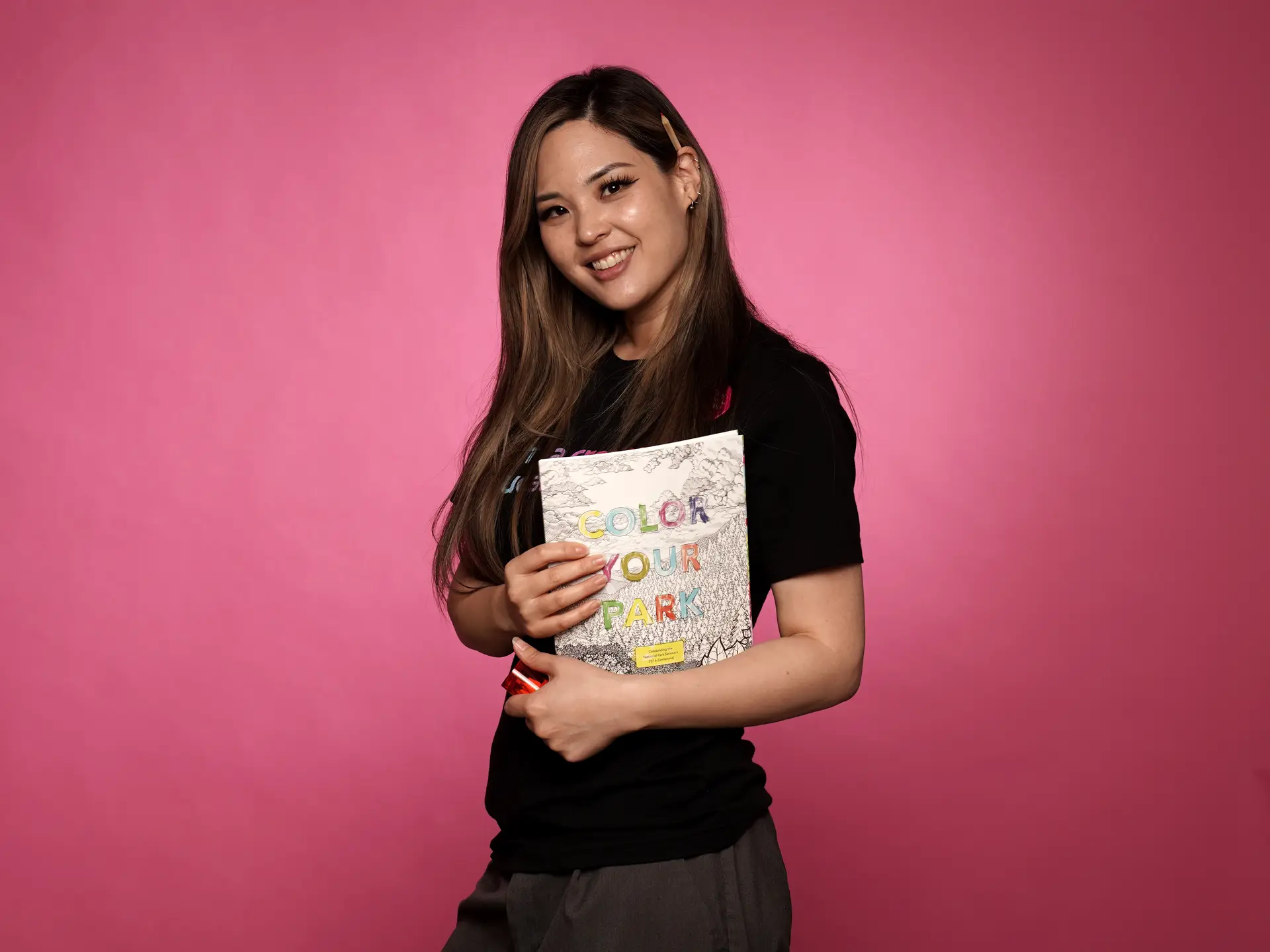
Agency-style resources.
Our design team provides agency-style resources tailored specifically to promotional products and merchandise campaigns. We offer:
Print Production & Prepress
Art Direction & Creative Consulting
Photography & Product Styling
Custom Digital Illustration
Social Media Campaign Design
Paid Digital Ad Creative
Brand Messaging & Copywriting
Logo Creation & Visual Identity
Design With A Mission To Do Good For Everyone
Our design work doesn’t just look good — it does good. We support socially responsible swag programs, integrating sustainable materials, ethical sourcing, and inclusive storytelling into every creative concept. Whether you’re designing a new hire swag box, a conference giveaway, or a long-term brand merchandising strategy, we help ensure your visuals and values are aligned.
Your questions answered
Common questions
What file formats do you accept?
We suggest uploading vector artwork. Otherwise, we recommend that your artwork be at least 300 pixels per inch.
Common vector file formats include: SVG (.svg), AI (Adobe Illustrator), EPS (Encapsulated PostScript), PDF (Portable Document Format – can contain both vector and bitmap elements), CDR (CorelDRAW).
Common bitmap file formats include: JPEG (.jpg, .jpeg), PNG (.png), GIF (.gif), BMP (.bmp), and TIFF (.tif, .tiff).
Why are some RGB colors difficult to match?
RGB is additive and made up of light, where the more colors you combine the brighter and closer it gets to white. The less colors you combine, the closer it gets to black. This explains why it’s possible to get bright, neon colors in RGB. Your TV, computer, and phone screens work this way.
CMYK, on the other hand, is subtractive and made up of ink. The more colors you combine, the darker and closer it gets to black, and incoming light cannot reflect as much off of the substrate.
Can you print Pantone colors?
Yes, you’ll need to provide Pantone codes to us. If not we will then do our best to match your colors.
Can you print RGB colors?
Since RGB has a larger range of colors than CMYK, some RGB colors are difficult or impossible to match exactly.
We suggest if you would like a closer color match from your proof on screen, to the printed product you’ll need to provide the Pantone code to us.
What does low resolution, or "lo-res" mean?
Low resolution, often abbreviated as “lo-res”, refers to an image, video, or display that has a lower level of detail and clarity. This means the content appears less sharp, more blurry, and often pixelated compared to its high-resolution counterparts.
What is a bitmap image? How does it differ from vector art?
A bitmap image, also known as a raster image, is a digital image composed of a grid of individual pixels (picture elements). Each pixel in the grid contains information about the color and brightness at that specific location in the image. When viewed together, these pixels form the complete image. Think of a bitmap image like a mosaic made of many small, colored tiles. The more tiles (pixels) you have, the more detailed and higher the resolution of the image.
Common bitmap file formats include: JPEG (.jpg, .jpeg), PNG (.png), GIF (.gif), BMP (.bmp), and TIFF (.tif, .tiff).
Vector art, on the other hand, uses mathematical equations to define lines, curves, and shapes. Instead of a grid of colored pixels, vector graphics are described by points, lines, and curves with attributes like color, fill, and stroke. Imagine vector art as a set of instructions for drawing shapes. The computer reads these instructions and renders the image.
Common vector file formats include: SVG (.svg), AI (Adobe Illustrator), EPS (Encapsulated PostScript), PDF (Portable Document Format – can contain both vector and bitmap elements), CDR (CorelDRAW).
What is the difference between images/artwork in RGB vs. CMYK?
Think of RGB for anything you see on a screen. The colors are created by light emitted from the screen.
Think of CMYK for anything that will be physically printed. The colors are created by inks absorbing light.
Important Considerations:
- Color Shifts – Converting images from RGB to CMYK can result in color shifts because the CMYK color gamut is smaller. It’s often recommended to design in the intended color space from the beginning.
- Printer Conversion: While some printers can accept RGB files and automatically convert them to CMYK, this conversion might not always yield the desired results. For critical color accuracy in print, it’s best to provide artwork in CMYK.
What does it mean to embed a file in my artwork?
To embed a file in your artwork means to directly include the content of that external file within the main artwork file itself, rather than just linking to it. When a file is embedded, all the necessary data to display or use that element becomes part of the artwork document. Think of it like physically pasting a picture onto a piece of paper versus just writing down where to find that picture.
What does it mean if my artwork has live type, and how do I fix it?
If your artwork has live type, it means that the text elements in your design are still editable as text. The software is storing the information as characters (letters, numbers, symbols) along with their font, size, color, and other typographic attributes. If you share your artwork file with someone who doesn’t have the same fonts installed, the text might be substituted with a default font, altering the design. Also, some printing workflows or older software might not handle live type reliably.
The fix is the process of converting live type to outlines (also sometimes called “creating outlines” or “converting to curves”), which turns the editable text into vector shapes. Once converted, the text is no longer recognized as characters by the software; instead, it becomes a collection of paths and anchor points, just like any other vector object you might draw. The other fix is to provide the necessary typeface file along with your art.
How can I specify the correct colors for prints?
To ensure the closest match to your desired color for print, we recommend setting up your artwork files in CMYK color mode.
Otherwise, you can specify your own CMYK values or Pantone codes.
Please note that due to variations in monitors and browsers, colors may appear different in print than they do on screen.
If it is important that your colors are exact, it is highly recommended that you order a sample first.